Email Template Module
The email templates module stores all module email templates, so they can be easily edited to fit your sites needs.
They are broken down into two groups:
- Default Templates - These are the templates that come with PyroCMS.
- User Defined Templates - These are templates that you or other modules define.

Creating a New Email Template
To create a new email template, click + Add Template.

You can enter the following info into the new template form:
| Field | Notes |
|---|---|
| Name | A name for your template. This is just for your reference. |
| Slug | A short name for your email template. |
| Langauge | The language this email template is in. |
| Description | A simple description of your email template for use on the back end. |
| Subject | The subject of the email that users who receive it will see. You can use PyroCMS tags here. |
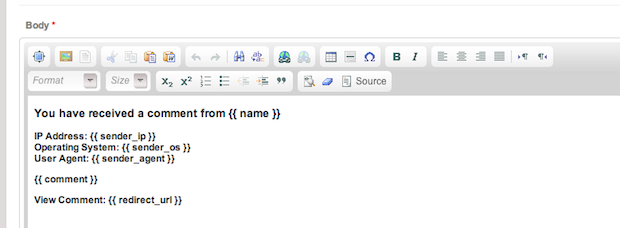
| Body | The full email body. You can use PyroCMS tags here as well. |
Editing an Email Template
To edit an email template, click Edit next to any template. You can customize each template to your site's needs.