Warning: PyroCMS v2 is very old, these docs are provided free of charge, use at your own risk.
Email Template Module
The email templates module stores all module email templates, so they can be easily edited to fit your sites needs.
They are broken down into two groups:
- Default Templates - These are the templates that come with PyroCMS.
- User Defined Templates - These are templates that you or other modules define.

Creating a New Email Template
To create a new email template, click + Add Template.

You can enter the following info into the new template form:
| Field | Notes |
|---|---|
| Name | A name for your template. This is just for your reference. |
| Slug | A short name for your email template. |
| Langauge | The language this email template is in. |
| Description | A simple description of your email template for use on the back end. |
| Subject | The subject of the email that users who receive it will see. You can use PyroCMS tags here. |
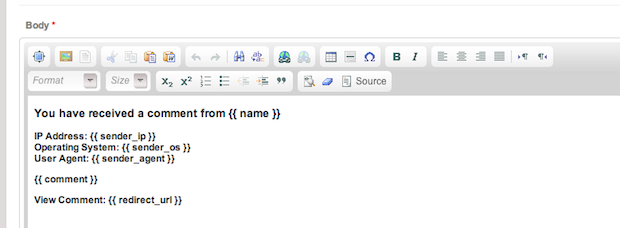
| Body | The full email body. You can use PyroCMS tags here as well. |
Editing an Email Template
To edit an email template, click Edit next to any template. You can customize each template to your site's needs.